Unreal Combat Prototype
A downloadable game for Windows
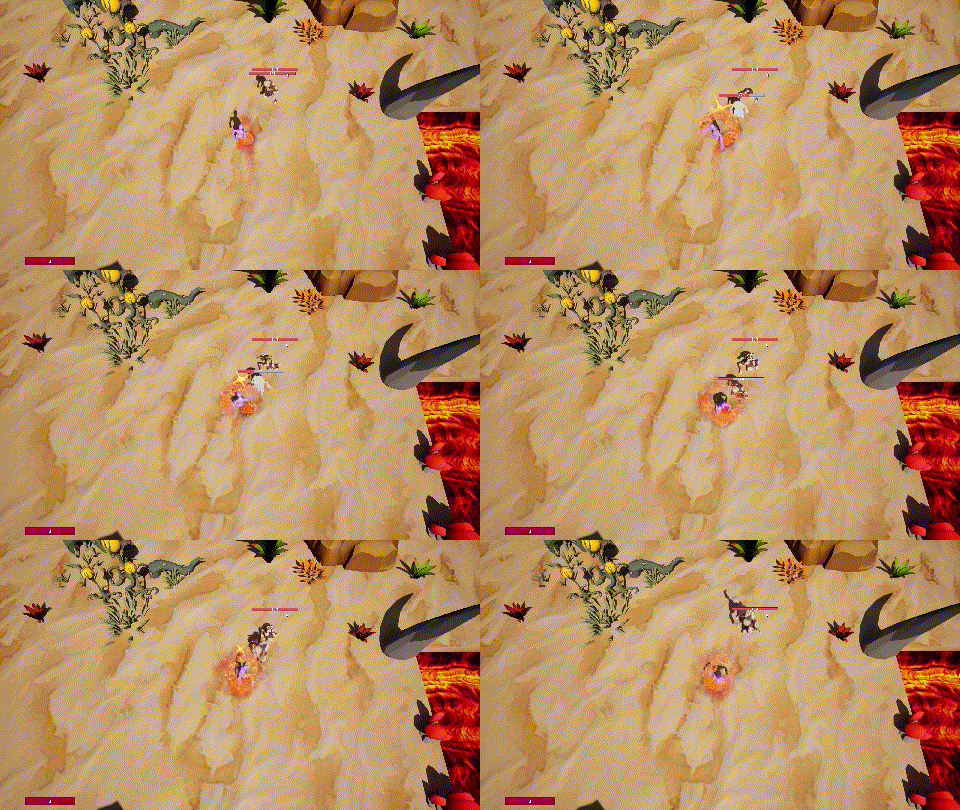
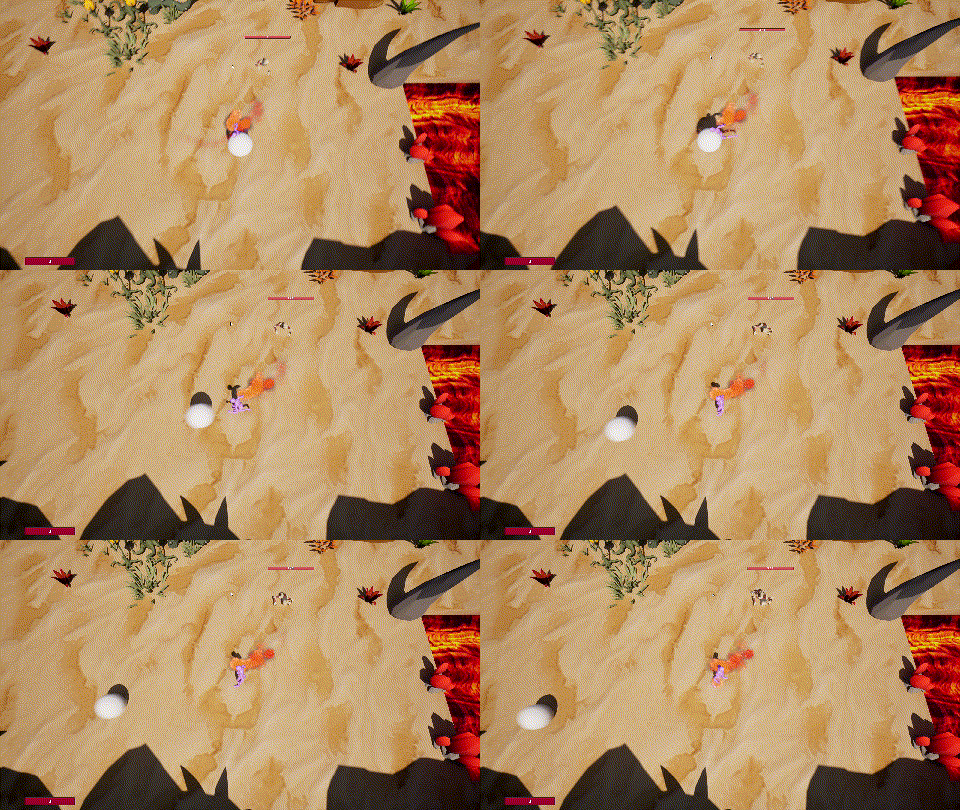
A local and online multiplayer combat prototype created in Unreal Engine 5.7. This was primarily a learning opportunity to get experience with Unreal.
Features:
- Combat system including a light combo attack as well as a heavy attack using the Gameplay Ability System. Hit tests are triggered via AnimNotifies which define a hurt box that is traced against a custom collision channel. On hit the attacker applies a gameplay effect to the target.
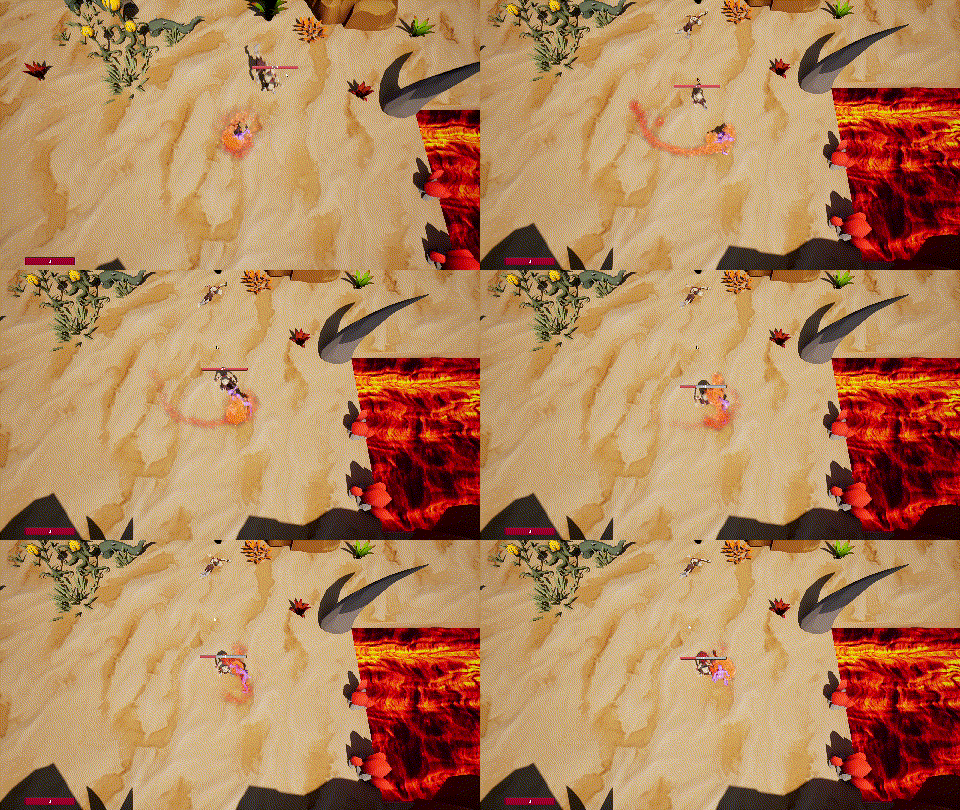
- Dash ability
- Enemies with simple melee AI via State Trees. Uses perception system to sense players and targets closest alive player.
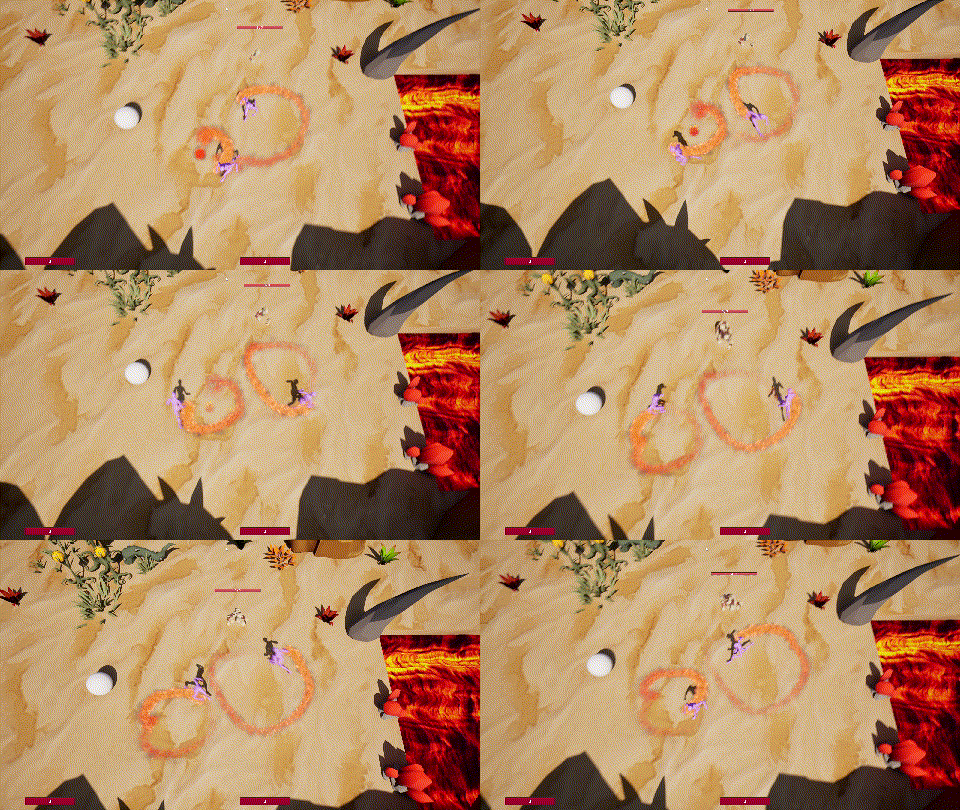
- Local and online coop
- Attack VFX hand made using Niagara
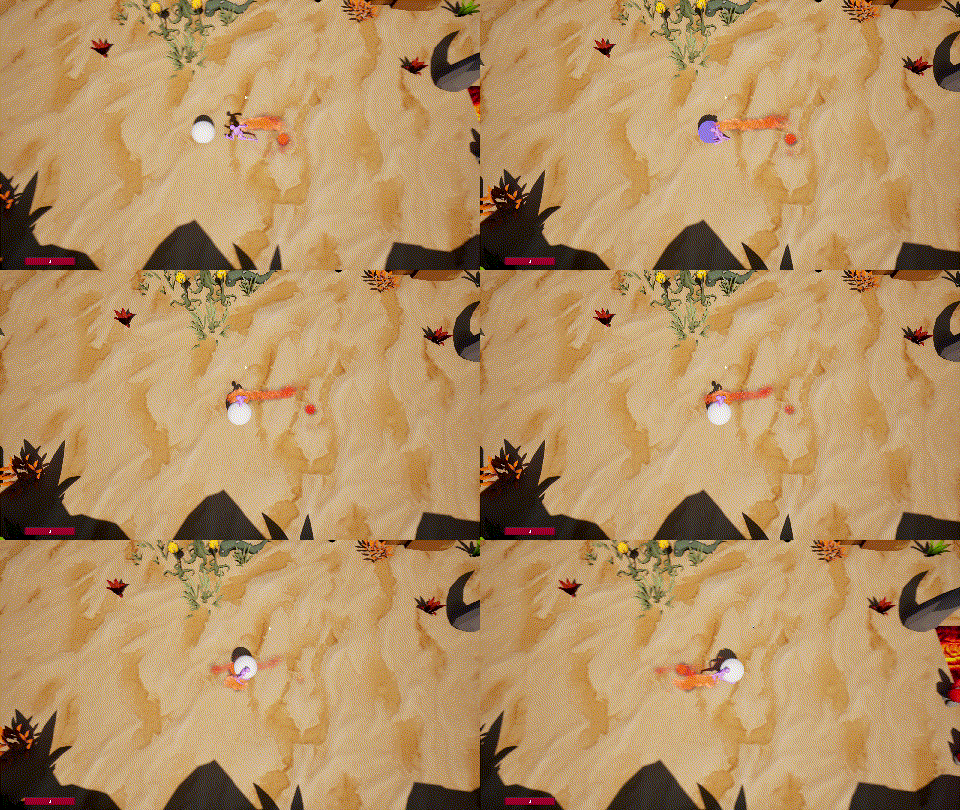
- Custom interaction system component along with a carry/throw system
- UI using MVVM
- Support for mouse + keyboard and gamepads
What I'd do with more time:
- SFX and music
- Combat mechanics (parrying, stats, status effects)
- Enemy variety and elites
- Experiment with stylization techniques
- Neverending polish
Reflections:
- Unreal is powerful and I liked having a proven gameplay framework and systems like collision and GAS ready to go. However there are a handful of gotchas and oftentimes to get things working you have to fiddle with various properties.
- I'm biased due to software engineering background but doing anything in blueprints beyond super basic stuff was painful. It took a lot of time to wire things up and to read through blueprint code. There's basic tooling support in UE but diffing and searching was also a huge drawback compared to text.
- Unreal C++ is fine but it was difficult to find the relevant methods and utilities I had available. Intellisense was okay but not great. The Epic Developer Assistant (https://dev.epicgames.com/community/assistant/unreal-engine/conversation) was quite helpful though.
- I did most of the development using a custom built fork of Unreal (https://github.com/Hazelight/UnrealEngine-Angelscript) since I wanted the ability to change engine code (for graphics programming) and possibly try out Angelscript. This was mostly fine but towards the end of the project I had issues with packaging and trying to figure that out frequently triggered recompilations of the entire engine which takes an absurd amount of time. In a bigger studio maintaining a custom fork makes sense but for me it ended up being more trouble than it was worth.
Conclusion:
I'm glad I took the time to learn more about Unreal and to figure out its strengths and weaknesses. It makes sense why so many studios use Unreal but for hobby solo development I found the dev experience slow and frustrating.
Credits:
- Player character from Quaternius: https://quaternius.itch.io/universal-animation-library-2
- Enemy character from Synty: https://syntystore.com/products/polygon-dungeon-pack
- Environment from Quaternius and Synty: https://quaternius.itch.io/stylized-nature-megakit https://syntystore.com/products/polygon-dungeon-pack
- Sand and lava textures by rubberduck: https://www.materialmaker.org/material?id=1522 https://www.materialmaker.org/material?id=1221
- Particle textures from kenney: https://kenney.nl/assets/particle-pack
- Various learning resources, eg: https://landelare.github.io/2023/01/07/cpp-speedrun.html https://tomlooman.com/unreal-engine-gameplay-framework/
Download
Leave a comment
Log in with itch.io to leave a comment.